Project
Split-Sync
Group expense management with balances, settlements, secure authentication and real-time database operations.
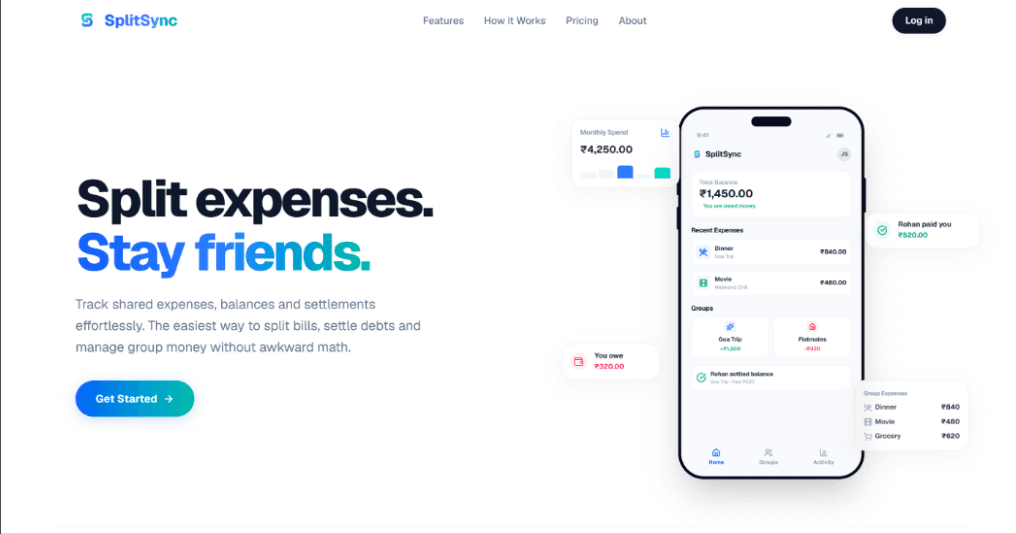
Overview
Split-Sync is a full-stack expense-sharing application. A group logs shared expenses, balances recalculate automatically and members settle up, with personal expense tracking and monthly budgets alongside group activity.
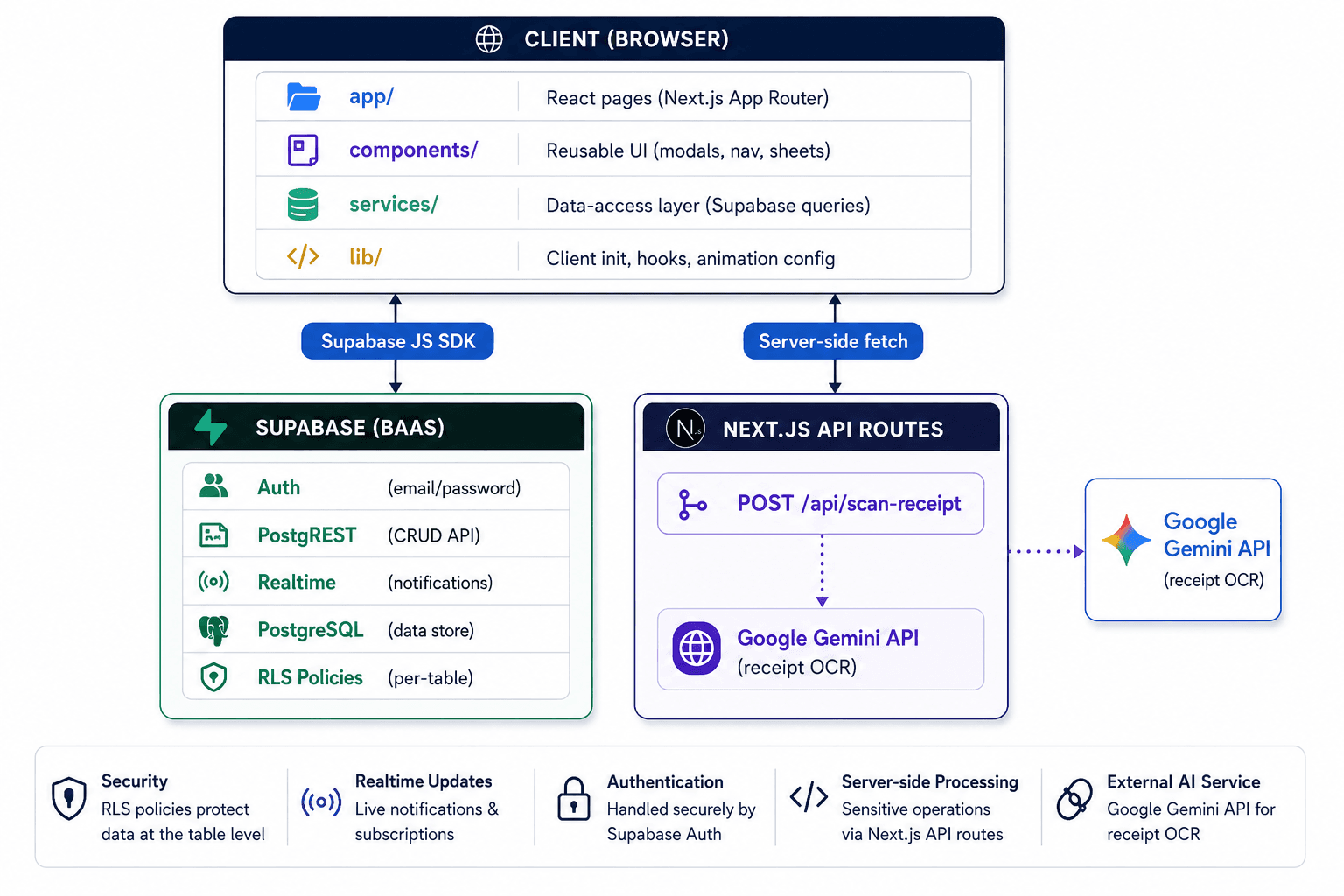
It is built with Next.js and Supabase. Supabase provides authentication, the PostgreSQL database and realtime notifications; receipt images are read by Google Gemini through a server-side API route.
The problem
Splitting shared costs by hand leads to forgotten payments, disputes and spreadsheet fatigue. Split-Sync keeps a shared ledger for each group and works out who owes whom.
What it does
Splitting
- Equal, exact-amount and percentage splits
- Receipt scanning with Google Gemini
- Personal expenses with monthly budgets
Settling up
- Balances recalculated automatically
- Simplified settlement transfers
- Settle up from the balances screen
Platform
- Supabase authentication
- Realtime in-app notifications
- Spending analytics
- Installable web app manifest
In the product
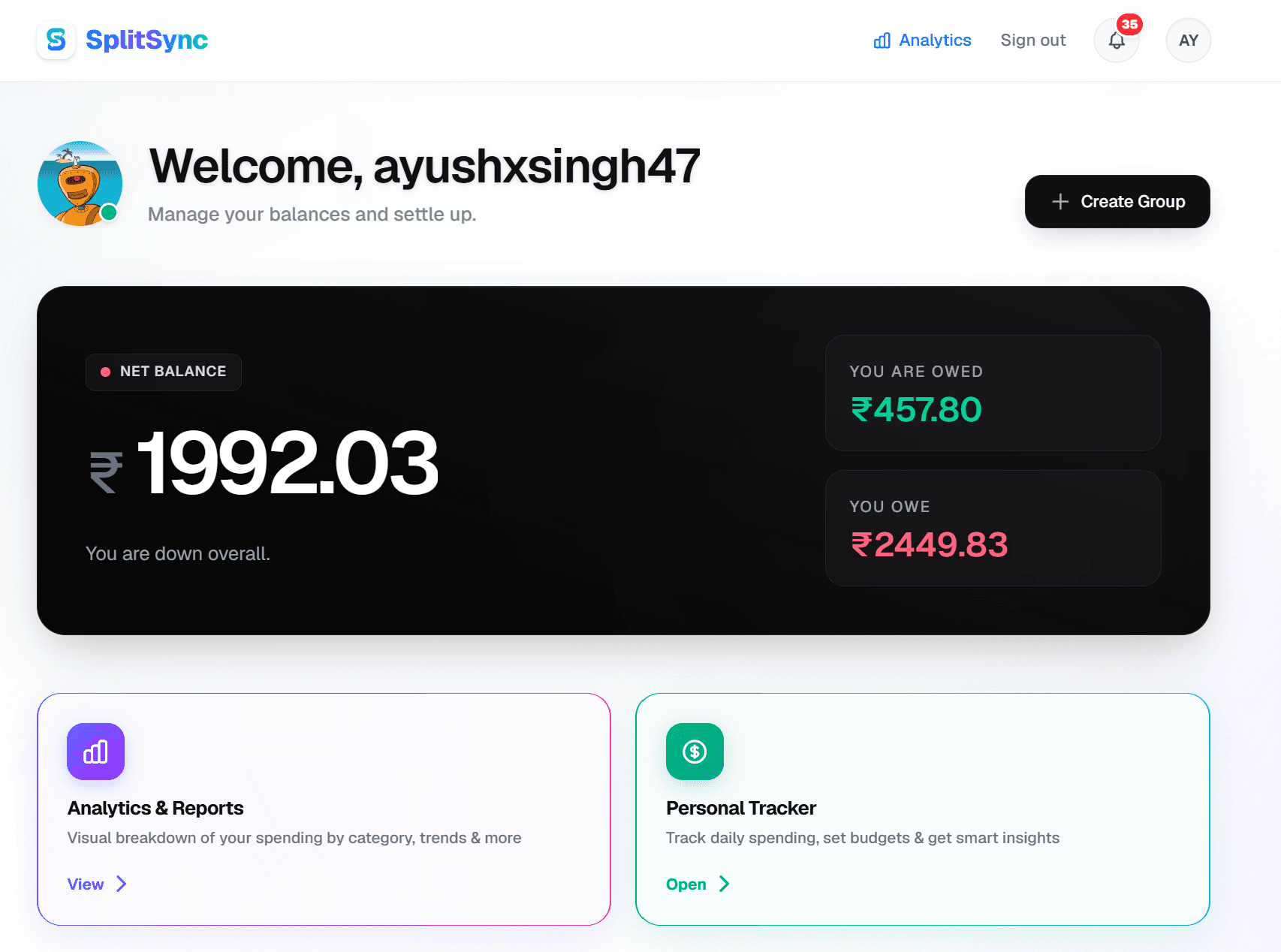
Dashboard — net balance, what you are owed and what you owe. 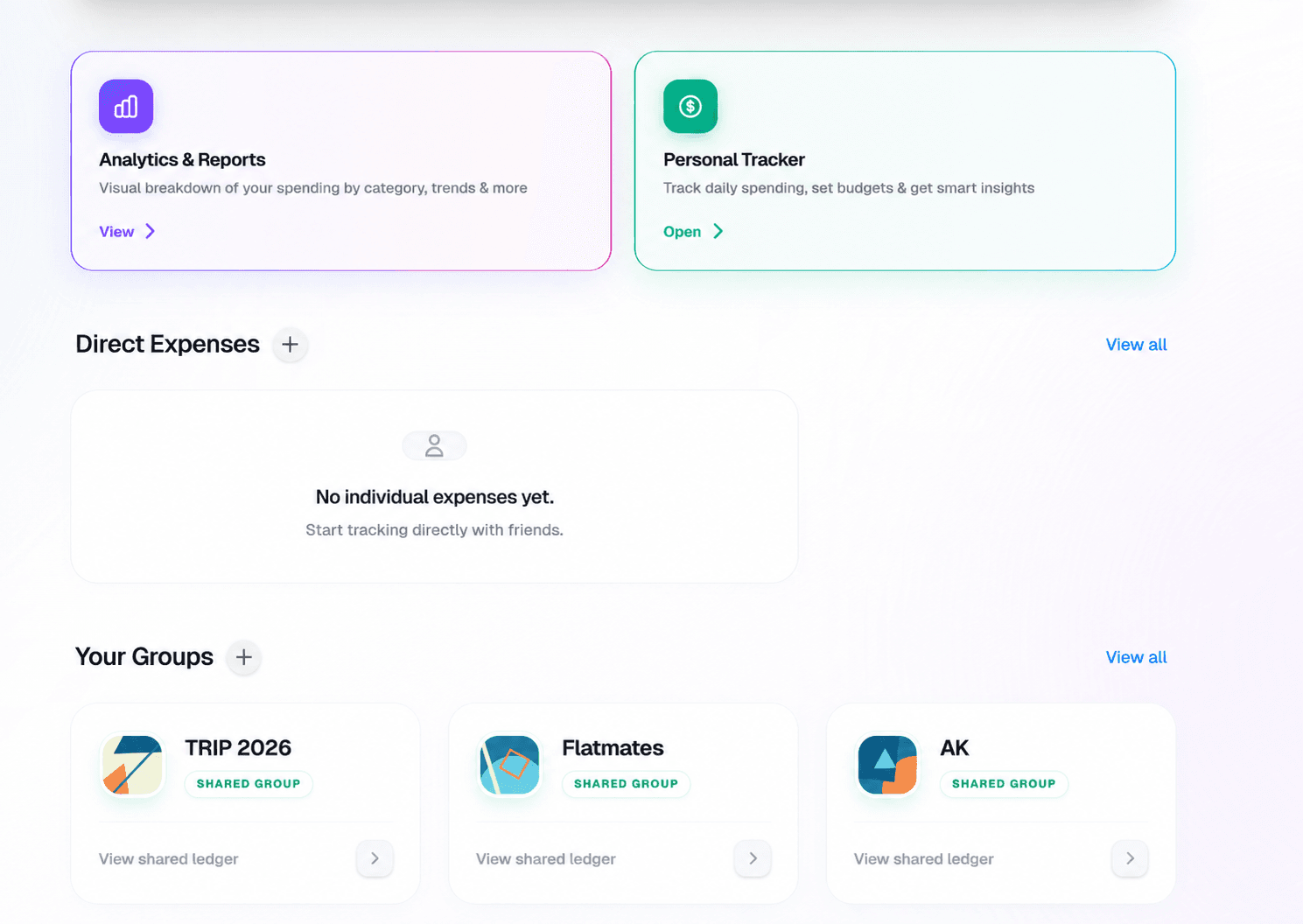
Groups — each shared group opens its own ledger. 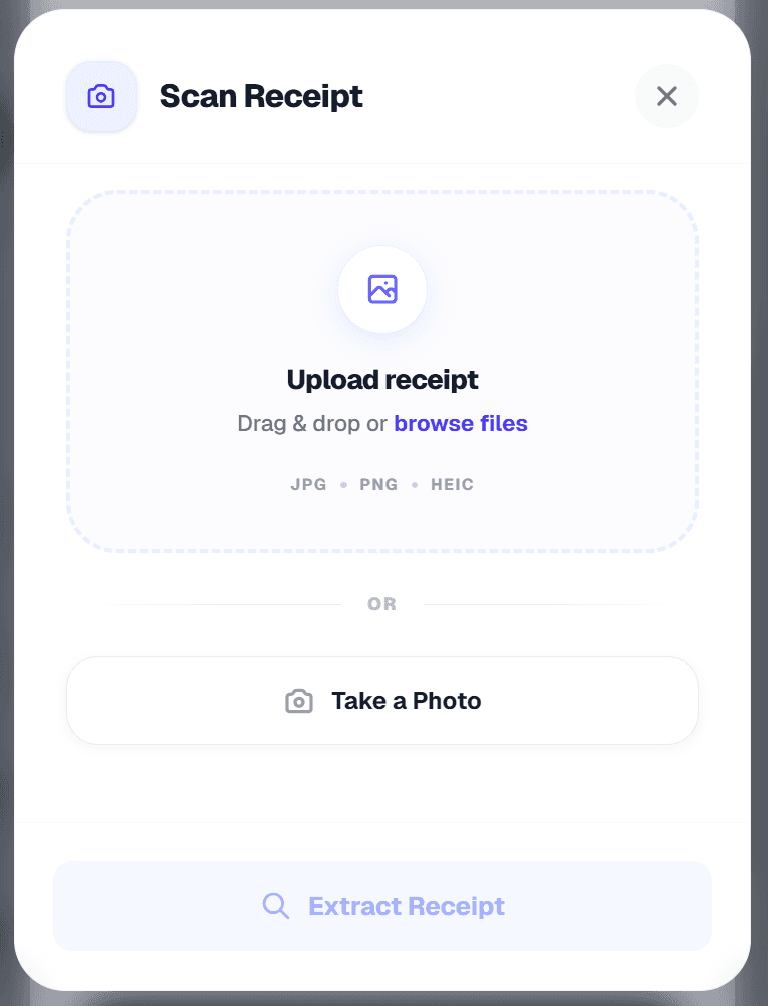
Receipt scanning — upload or photograph a receipt to extract it. 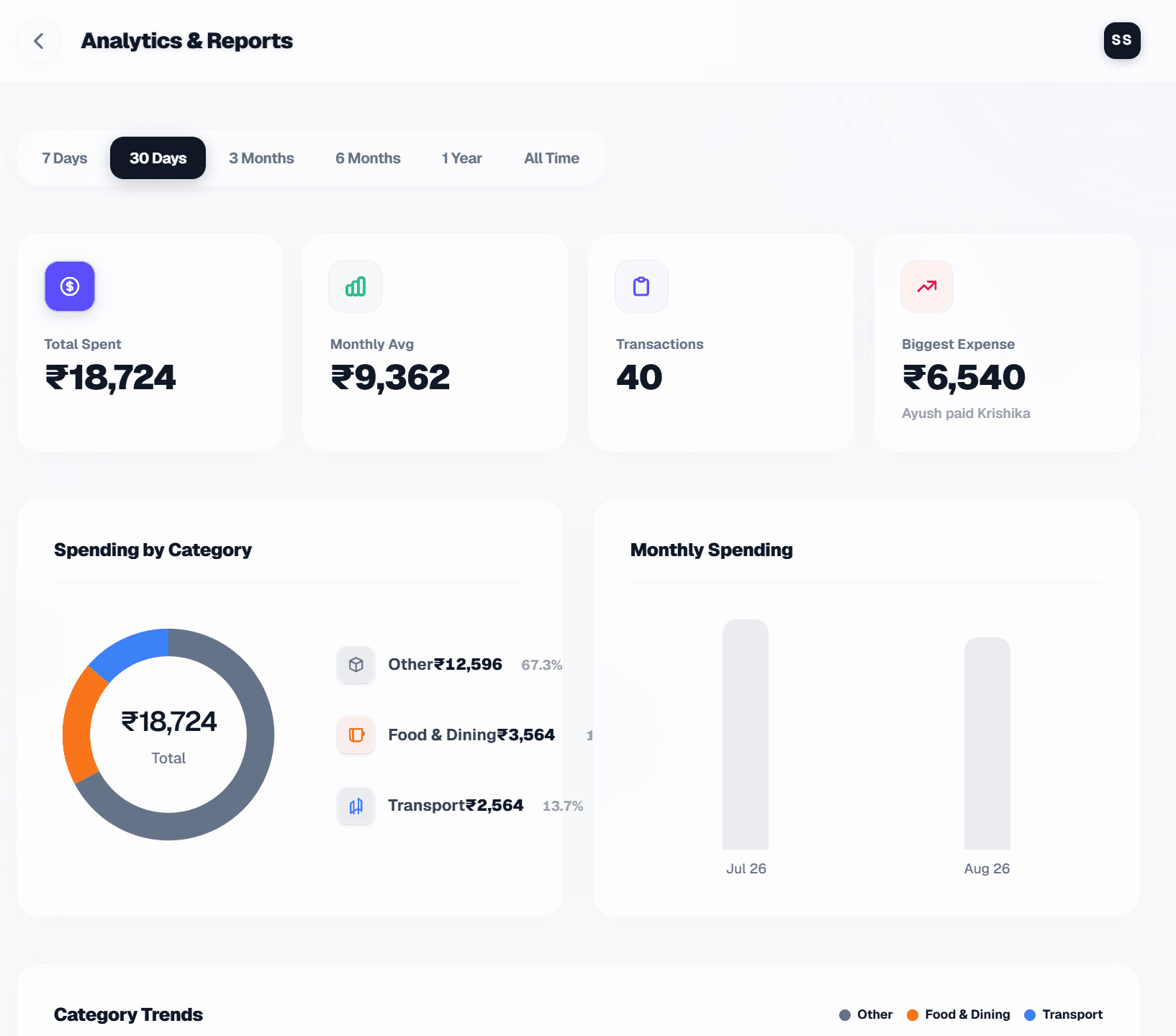
Analytics — spending by category and month for a chosen period.
Architecture
The Next.js App Router pages sit on a services/ layer of ten modules that hold most data access. Service functions return a result with a success flag, carrying data on success and an error message on failure.
Supabase provides email and password authentication, the PostgREST data API, realtime subscriptions and PostgreSQL with row-level security policies per table.
Receipt scanning is the server-side path: the browser posts the image to POST /api/scan-receipt, which calls the Gemini API with a key that exists only on the server.
Engineering decisions
Cent-accurate splits
Equal splits are computed in integer cents. The remainder is handed out one cent at a time to the first members, so the shares always add up to the original amount. Exact-amount splits are validated against the total before they are saved.
Simplified settlements
simplifyDebts()separates members who are owed from members who owe, sorts both by amount and matches the largest first, turning a web of balances into a short list of transfers.One shape for data access
Data access is organised into ten service modules whose functions return a result with a
successflag, carryingdataon success and anerrormessage on failure, so pages can handle results and failures consistently.The AI key stays on the server
Receipt OCR runs in a Next.js API route that reads
GEMINI_API_KEYfrom the server environment, so the key is never shipped to the browser.
Challenges
Row-level security without recursion
Group data is protected by row-level security policies. Policies that checked group membership referenced the
group_memberstable from within its own rules, which caused infinite-recursion errors. The migration history records the fixes: of 22 migrations, four target the recursion directly and three more revise the policies. The repository also includes an RLS smoke-test script.
- Sources
- Public repository: source code, README and 22 SQL migrations · Live application